Bets monitor description
1. DESCRIPTION OF THE BETS MONITOR
1.1 Purpose of the bets monitor
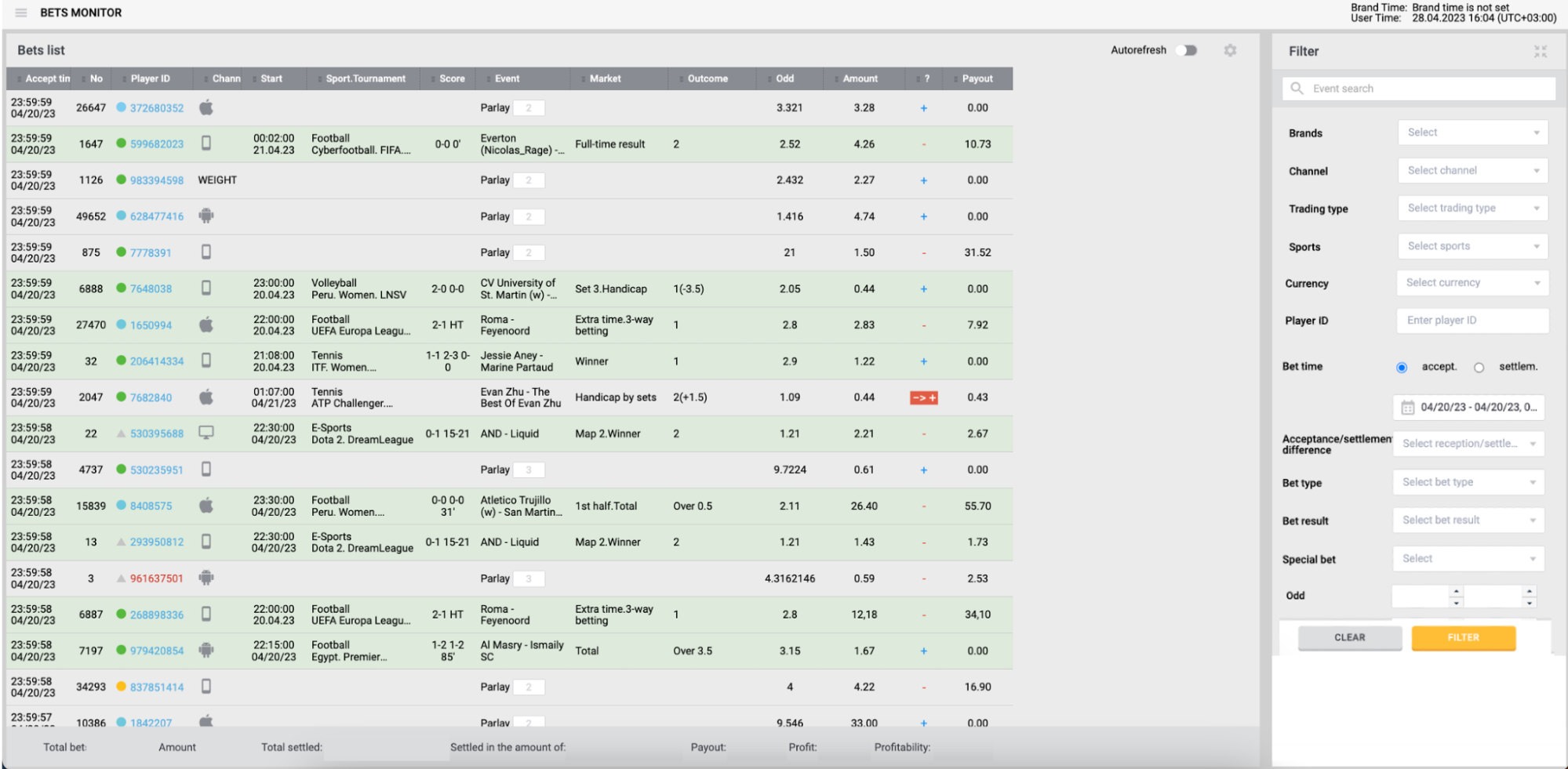
Bets monitor is intended for monitoring and analyzing the consolidated data on the bets accepted by the Betting Company from the Players via various channels of communication and for generating reports.
1.2 Implementation objectives
The bets monitor could be implemented to establish a software tool to:
- Consolidate data on the bets placed by the Players via a variety of the Betting Company interaction channels;
- Analyze key parameters of the placed bets and their results;
- Generate reports based on the placed bets data.
1.3 Application domain
The bets monitor could function in conjunction with different modules of the Betting Platform as a part of these Platform or as a stand-alone module
1.4 End users
The bets monitor could be intended for the Betting Company employees who have appropriate permissions.
2. FUNCTIONALITIES OF THE BETS MONITOR
2.1 User’s functionalities
The bets monitor could provide the following functionality for unauthorized users:
-
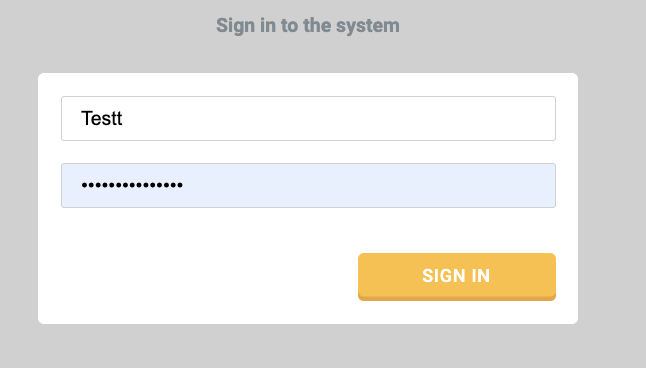
1. Enable user Authentication using a personal login and password:
-
2. Enable Authorization using a role of an authenticated user;
-
3. Display/hide the password entered by the user.
-
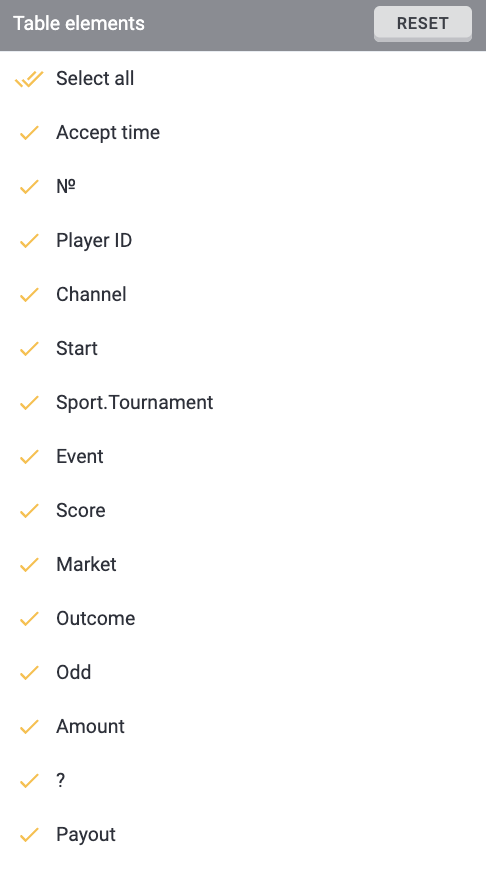
4. Setting up a custom view monitor for any business processes:
The bets monitor could provide the following functionality for authorized users:
-
1. Log out of the system;
-
2. View the list of placed bets:
| Parameter | Description |
| Accept time | The time when a bet was accepted |
| Bet amount | The bet amount |
| Channel | A place where a user makes a bet |
| Event name | Name of event |
| Market name | Name of market |
| Odd | The odd by which the system accepted a bet |
| Outcome | Name of the user-selected outcome |
| Payout | Amount of payout for a player in case winning bet |
| Player id | Unique identifier of a player |
| Score | Score of an event in which a player place a bet |
| Settlement time | The time when a bet was settled |
| Sport+tournament | Name of sport and tournament |
| Start time of the event | The actual time when even starts |
-
3. Toggle auto refresh mode on/off:

-
4. Pin/unpin the bet to display it at the top of the list;
-
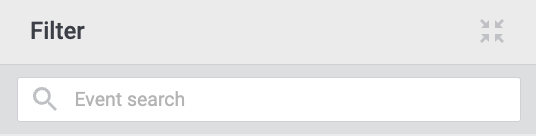
5. Search the Event by partly or fully matching name:
-
6. View the list of bets for Events with the detailed bet information (the latter could be for Parlays and Systems);
-
7. View the aggregated bet statistics for the selected period (number of bets / total bets amount / number and amount of calculated bets, total payouts / total profit and its percentage against settled bets amount for the selected period);
-
8. Filtering the bets list by the following parameters:
-
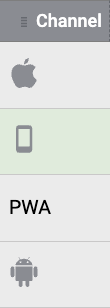
a. Interaction channel the Player used to place a bet (desktop, mobile, iOS app, android app, etc)
-
-
b. Event Trading type (Live/Pre-match);
-
c. Sports (select from the list);
-
d. Category (e.g., country);
-
e. Player segment (select from the list);
-
f. Player gaming account currency (select from the list);
-
g. Player's ID (with data entry field. Player segment indicator and player ID. The color of the player ID reflects the player's characteristics regarding the style of play in the Betting Company (red - the player wins from the bookmaker, blue - the player loses the Betting Company, black - the player's profit is 0, usually given to new players who have not yet placed bets). When you click LMB on a player ID, a player card opens in a new tab.)
-
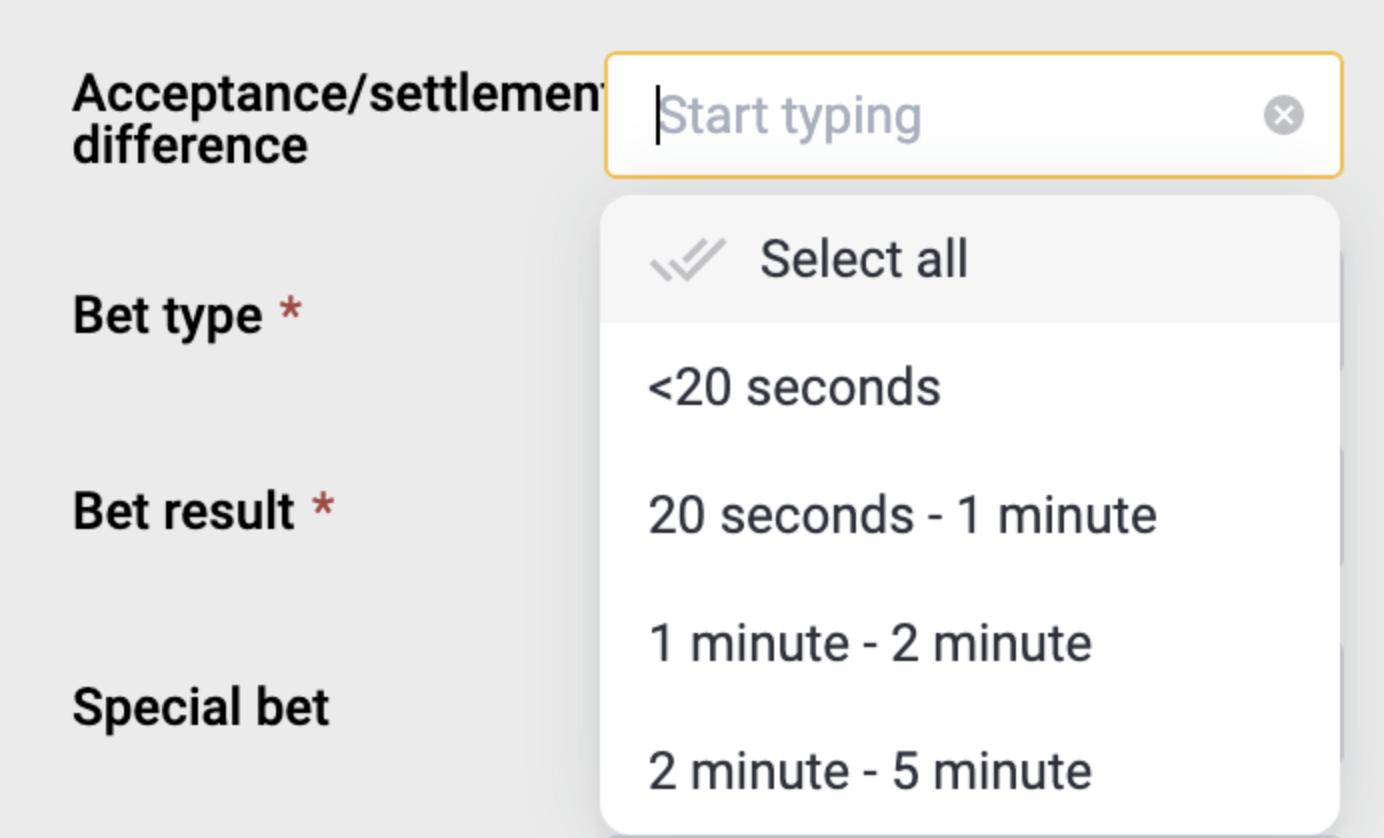
h. The bet acceptance time (a user selects from the fixed time list or specifies from/to time interval and selects date/time in the calendar):
-
i. Bet type (Single/Parlay/System);
-
j. Bet result (won/lost/refunded/unsettled);
-
k. CashOut (with/without CashOut);
-
l. Event type (select from the list);
-
m. Market (select from the list);
-
n. Antifraud status (select from the list);
-
o. Intervals (from/to) for the following parameters:
-
i. Odds:
-

-
ii. Amount:

-
iii. Payout:

-
9. Apply/clear filters;
-
10. Use incremental search in filters Currency, Sport, Category, Tournament.
2.2 Automatic operations
The bets monitor could provide automatic execution of the following operations:
-
Calculate bet statistics for the selected period provided that auto refresh function is off;
-
Change available filters when auto refresh function is toggled on/off;
-
With auto refresh enabled, the new bets placed by the Player in real time mode could be displayed at the top of the list.